


- From your product's detail page, click to start the configurating process
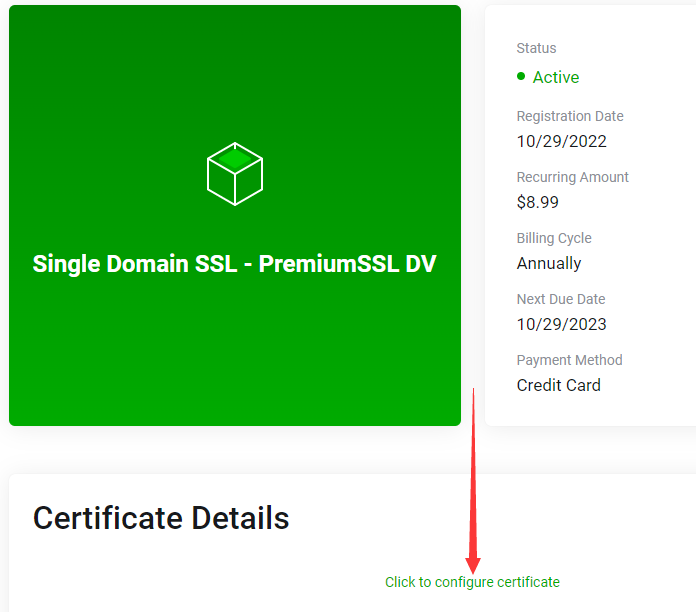
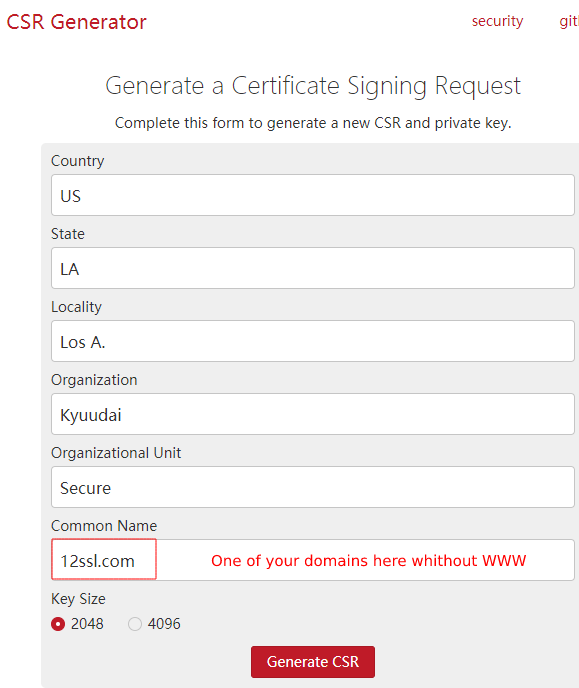
- Go to https://csrgenerator.com/ to generate a CSR.
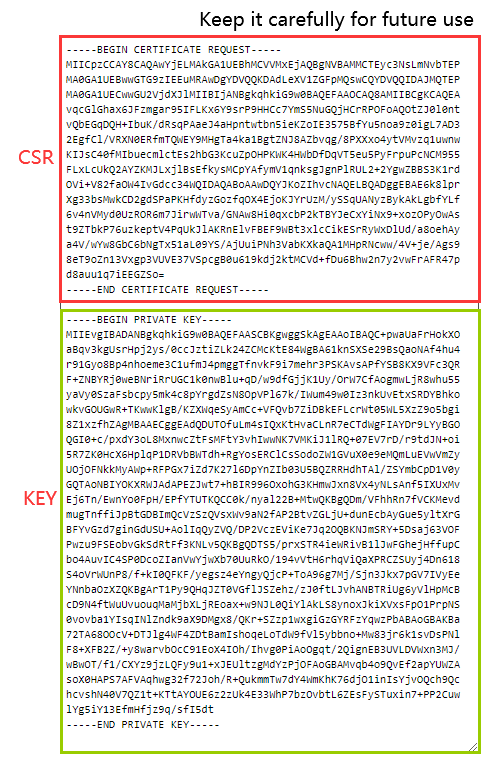
- Now you have the CSR and Key
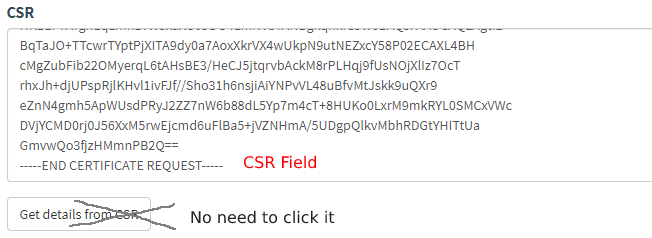
- Back to the configuration page and paste your CSR here
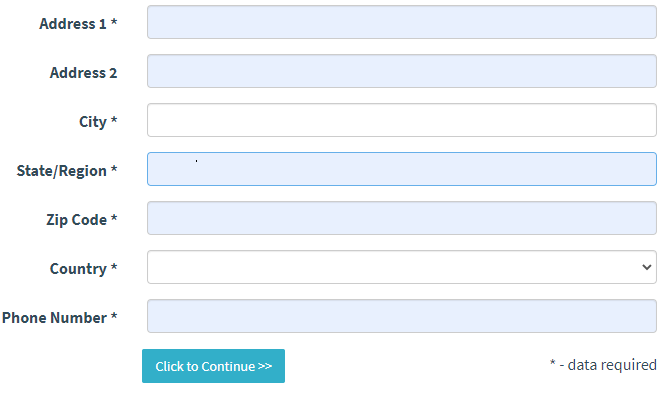
- fill out the necessary form as needed
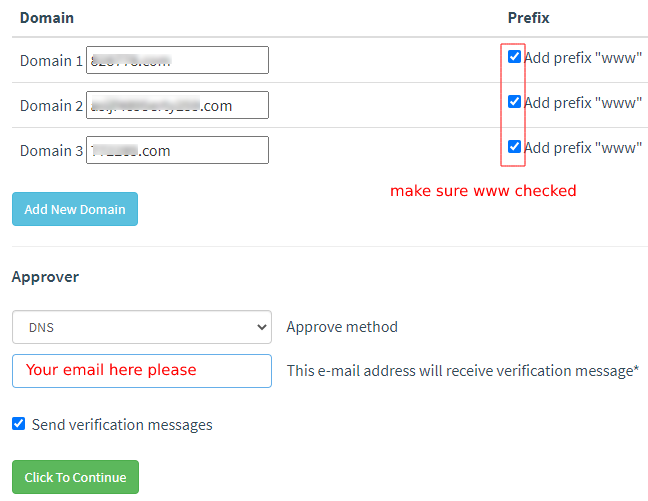
- Add "www" to your domains and choose the DCV(Domain Control Verification) method
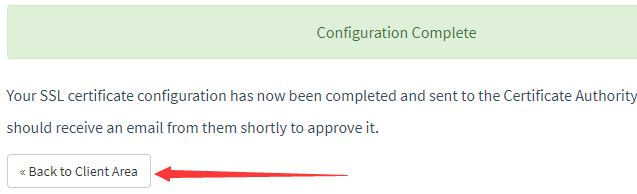
- Back to product page when configuration completed.
- Check your email for DNS TXT record to verify
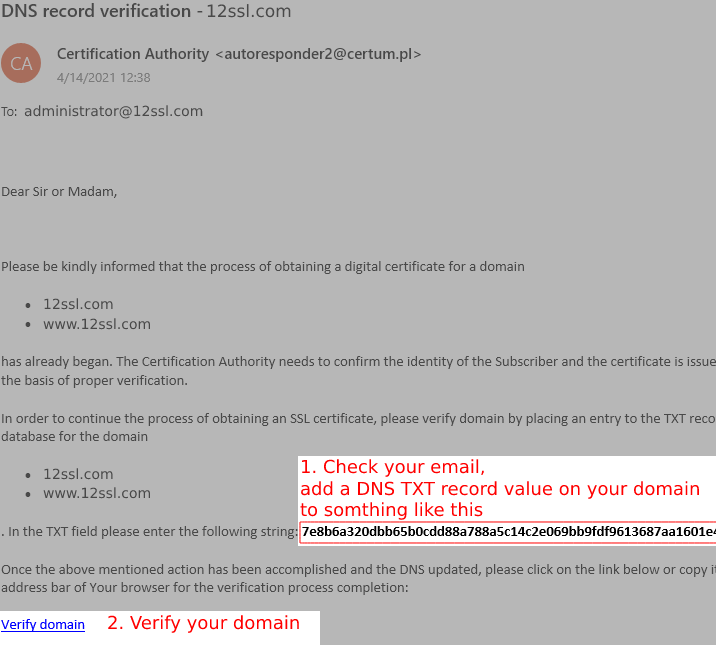
- click "Verify", once verified successfully, your SSL will be ready to view and download in minutes.
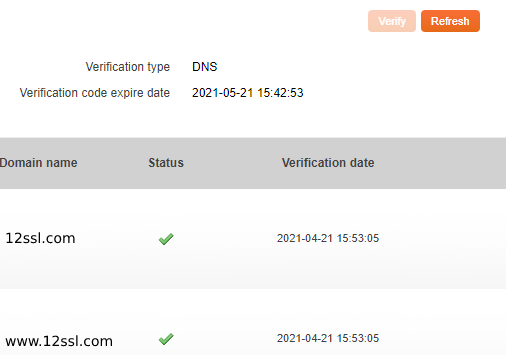
- check your SSL
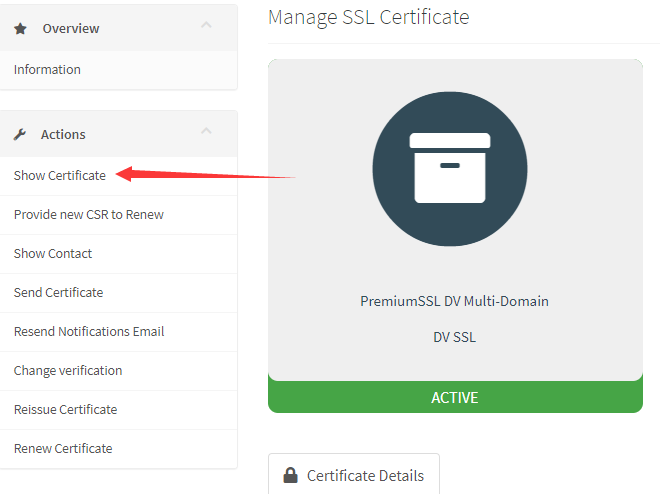
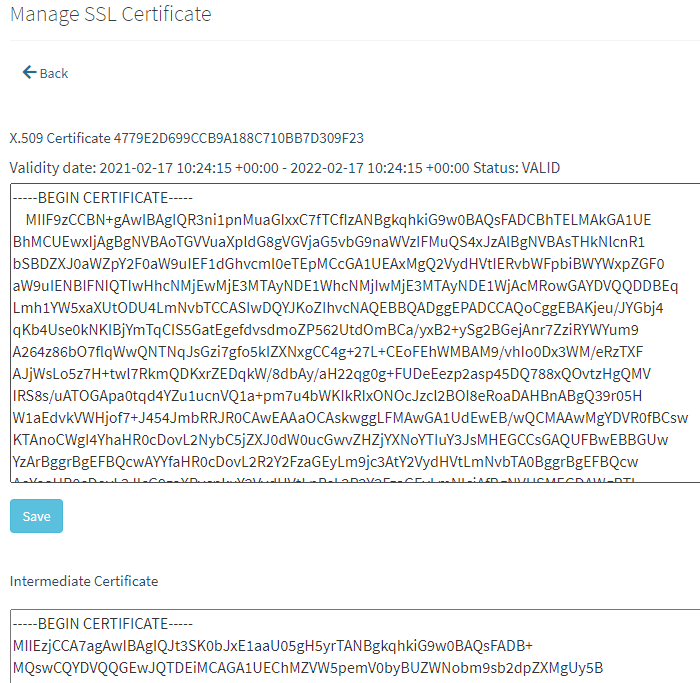
- Your certificate is now available.
最受欢迎
What to do if it failed to extract the SSL file?
In case you failed to extract the SSL zip file by Winzip or WinRar, please consider using the...
General instructions for configuring MX records
The MX record points to the server that accepts email for your domain. In order for us to issue...
Banned Country List
Sectigo PositiveSSL cannot be issued to individuals or business entities in the following...
Sectigo's DCV request origin IPs
For Domain Control Validation of all Sectigo SSLs please whitelist the following IPs on port 80...
How to make the pem file for nginx?
Locate the product's page for the certificate information Create a new file in your notepad,...